How IPFS Works for File Storage
Mar, 10 2026
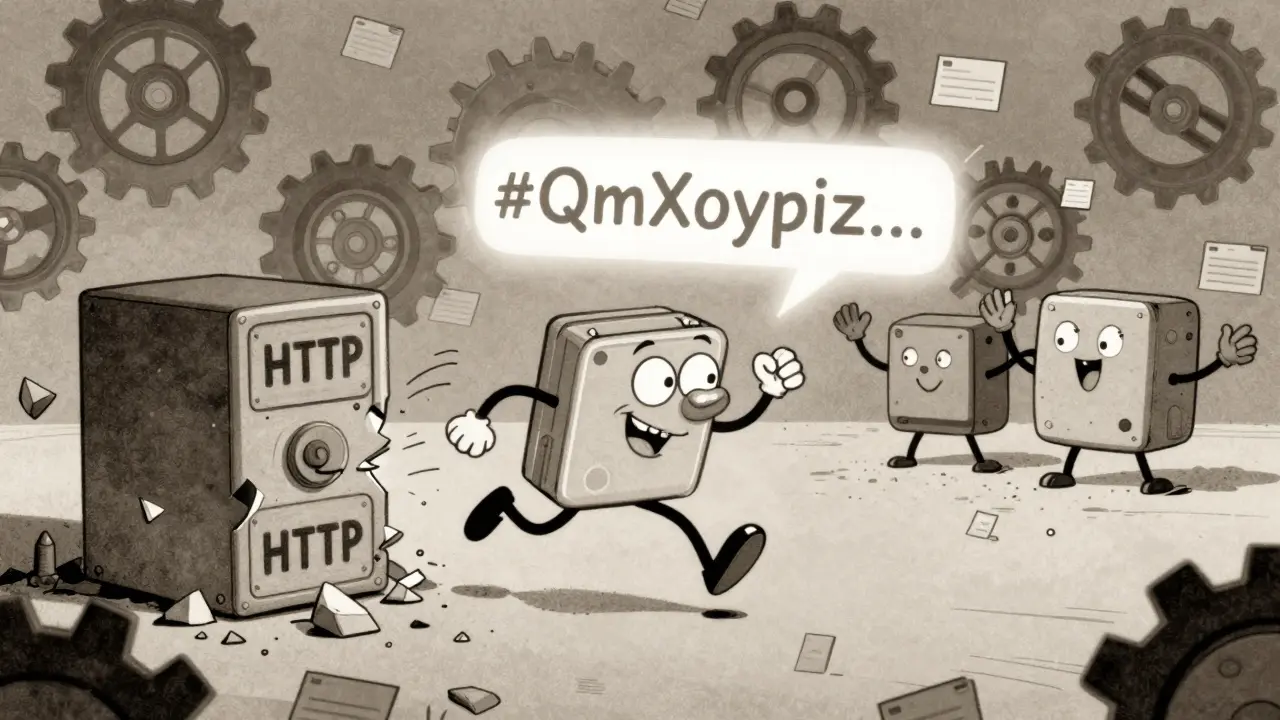
Imagine trying to open a website, but the server hosting it has gone offline. The link breaks. The page vanishes. That’s the problem with how the web works today - everything depends on a single location. IPFS fixes that. Instead of asking for a file from a server at a specific address, IPFS asks: who has this content? It doesn’t care where it’s stored. It only cares about what the file actually is.
What Makes IPFS Different from the Regular Web
The traditional internet uses location-based addressing. When you typehttps://example.com/photo.jpg, your browser goes to a specific server, at a specific IP address, to grab that file. If that server crashes, gets blocked, or the file gets moved, the link dies. This is called link rot, and it’s everywhere. Studies show over 50% of links in academic papers break within a decade.
IPFS flips this entirely. It uses content addressing. Every file you add to IPFS gets a unique fingerprint - a cryptographic hash - based on its exact content. If you change one pixel in an image, the hash changes completely. That hash becomes the file’s address. So instead of asking for https://example.com/photo.jpg, you ask for QmXoypizjW3WknFiJnKLwHCnL72vedxjQkDDP1mXWo6uco. That long string? That’s a Content Identifier, or CID. It’s not a location. It’s a fingerprint.
How IPFS Stores Files - Block by Block
When you upload a file to IPFS, it doesn’t store it as one big chunk. It breaks the file into smaller pieces - usually 256 KB each. Each piece gets its own hash. Then, those hashes are linked together in a structure called a Merkle DAG. Think of it like a family tree for data blocks. The top node is the CID of the whole file. Below it are the hashes of each block. Those blocks might point to other blocks, and so on. This system has two big advantages. First, it’s efficient. If two files are 90% the same, IPFS only stores the differences. If you upload the same photo twice, it’s saved once. Second, it’s resilient. If one block gets lost, IPFS can rebuild the file from other copies. You don’t need one perfect copy. You just need enough pieces scattered around the network.How You Get Files Back - The Peer-to-Peer Hunt
Once a file is on IPFS, it’s not stored on one server. It’s spread across any computer in the network that chooses to keep it. These computers are called nodes. When someone wants to download that file, they ask the network: “Who has CID QmXoypiz...?” The request goes out to nearby nodes. If one has the file, it sends the blocks. If not, it asks its neighbors. Eventually, the blocks find their way to the requester. The system uses a distributed hash table (DHT) to keep track of which nodes have which content. It’s like a global index that updates itself automatically. No central server is involved. No company owns the data. You’re downloading from whoever has it - your neighbor, a university in Tokyo, a server in Brazil. The more people who have the file, the faster and more reliable it becomes.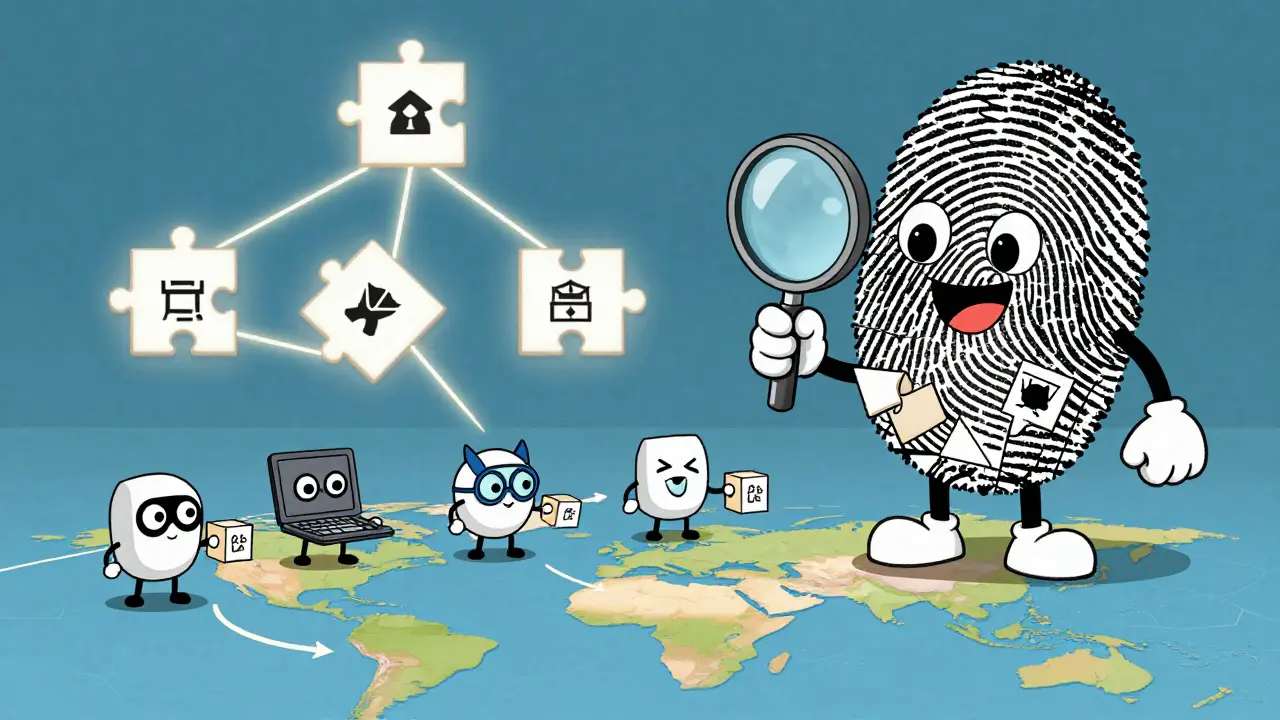
Why This Matters for Web3 and Decentralization
IPFS is one of the building blocks of Web3 - the next version of the web where control isn’t held by big tech companies. Blockchains record transactions. IPFS stores the data behind those transactions: NFT images, smart contract code, decentralized apps, even entire websites. Take a decentralized version of Wikipedia. It’s stored on IPFS. Even if the government blocks access to Wikipedia.org, the IPFS version is still alive. You can access it through a public gateway (more on that later) or by running your own node. The content is permanent, verifiable, and uncensorable. It also solves a problem blockchain nodes face: storing large files on-chain is expensive and slow. IPFS handles the heavy lifting. The blockchain just stores the CID. Then, when you need the file, you fetch it from IPFS. That’s how most NFTs work today - the token points to a CID, not a server.How to Use IPFS - No Tech Expertise Needed
You don’t need to be a developer to use IPFS. Here’s how:- Go to ipfs.io (a public gateway).
- Drag and drop a file onto the upload page.
- Wait a few seconds. You’ll get a CID back - something like
Qm.... - Share that CID with anyone. They can paste it into their own gateway or install IPFS to access it directly.
https://ipfs.io/ipfs/ or https://dweb.link/ipfs/ let you view IPFS content through a normal browser. You don’t need to install anything. Just append the CID to the gateway URL.

How IPFS Compares to BitTorrent and Cloud Storage
People often compare IPFS to BitTorrent. They’re similar - both use peer-to-peer sharing. But there’s a key difference. BitTorrent works in swarms. Each torrent is isolated. If you download a movie, you only connect to others downloading that same movie. IPFS is one giant network. If you have a file, and someone else has the same file, you automatically share blocks with them. It doesn’t matter if they’re downloading it for the first time or have had it for years. The network connects everything. It’s a single, unified filesystem. Compare that to cloud storage like Dropbox or Google Drive. Those services store your files on their servers. They can delete them. They can track you. They can charge you. IPFS? No one owns your data. You control it. You can even host it on your old laptop.| Feature | IPFS | BitTorrent | Cloud Storage (Google Drive) |
|---|---|---|---|
| Addressing Method | Content-based (CID) | File name + tracker | Location-based (URL) |
| Storage | Distributed across peers | Peer swarms per file | Centralized servers |
| Data Integrity | Cryptographic verification | Checksums (optional) | None - can be altered silently |
| Permanence | Persistent if pinned | Only while seeders exist | Depends on company policy |
| Censorship Resistance | High - no central control | Medium - trackers can be blocked | Low - company can remove files |
Limitations and Real-World Challenges
IPFS isn’t magic. It has downsides. First, files aren’t automatically saved forever. If no one is hosting a file, it disappears. That’s why people “pin” files - they commit to keeping them online. There are pinning services (like Pinata or Infura) that do this for you, but they’re centralized. True decentralization means you or someone you trust must keep the file alive. Second, downloading can be slow if few people have the file. If a file is new or obscure, you might wait minutes for blocks to come in. Popular files? They load instantly - thousands of peers are sharing them. Third, IPFS doesn’t handle dynamic content well. You can’t update a file and keep the same CID. If you edit a document, you get a new CID. That’s intentional - it ensures trust. But it means you need a way to point to the latest version. That’s where systems like IPNS (InterPlanetary Name System) come in. It lets you create a mutable pointer to a CID, so you can update content without breaking links.What’s Next for IPFS
IPFS is already used by major projects. The Internet Archive has archived over 70 billion web pages using IPFS. Ethereum’s decentralized apps (dApps) rely on it for storing assets. Filecoin, a blockchain built on top of IPFS, pays users to store data permanently. The goal isn’t to replace the entire web tomorrow. It’s to make the web more resilient. To give people control. To make sure that even if governments shut down servers, or corporations delete data, the information lives on - because it’s not owned by anyone. It’s owned by everyone. You don’t need to run a node to benefit from IPFS. But if you care about data that lasts - whether it’s your photos, your research, or a website you built - IPFS gives you a way to make sure it won’t vanish when the server goes down.Is IPFS the same as blockchain?
No. IPFS is a file storage protocol. Blockchain is a way to record transactions securely. They work together. Blockchains store small data like transaction hashes. IPFS stores the large files those hashes point to. For example, an NFT on Ethereum stores a CID from IPFS - not the image itself.
Can I use IPFS to host a website?
Yes. Many decentralized websites run on IPFS. You upload your HTML, CSS, and JavaScript files. IPFS gives you a CID. You can access the site through a gateway like https://dweb.link/ipfs/CID. Some services let you map a custom domain to that CID, so users can visit your site with a regular web address.
Do I need to install IPFS to use it?
No. You can use public gateways to view and download IPFS content through a regular browser. Just type in the CID after a gateway URL like https://ipfs.io/ipfs/. But if you want to host files permanently or help the network, installing the IPFS app lets your computer act as a node.
Is IPFS faster than regular web hosting?
It depends. For popular content, yes - because thousands of people might be sharing the same file, making downloads faster. For rare files, it can be slower since fewer peers have the data. But it’s more reliable. Even if one server dies, others keep serving the content.
Can IPFS be censored?
Not easily. Since files are distributed globally, there’s no single point to shut down. Governments can block gateway websites, but they can’t block every IPFS node on the planet. People can still access content through alternative gateways or direct connections. That’s why it’s used to preserve censored content.